
About Service
Indeed, new development trends are mainly focused on the mobile and web directions. However, if you need to perform graphical modeling and digital illustration, work offline, run outside a browser, access hardware directly, reduce hosting costs, or ensure high performance – desktop application development services remain a reliable and effective choice.
For unique companies with exceptional business processes, Embrox Solutions offers custom desktop application development, delivering Rich Desktop Applications (RDAs) tailored to your needs.
As part of our desktop software development services, we build cross-platform standalone and client-server business applications. Desktop solutions are trusted by our experts for their proven ability to save time and reduce costs while ensuring high performance and stability.
Each product we deliver is efficient, bug-free, intuitive, and aligned with the latest technological standards. Whether you are launching a new product or streamlining internal tools, our team is ready to deliver robust, user-centered custom desktop app development.


Desktop Development Service Includes:
Cross-platform Development
- One code - multiple platforms
Client-Server Application Development
- Remote File Management Systems
- Enterprise Communication Tools
- Multimedia Streaming Clients
System Utility Apps
- System Monitoring Tools
- Archiving Tools
Native Applications
- Windows
- Linux
- MacOS
Interactive Apps
Standalone Business Software
File Management Apps
- Custom file explorers
- Document organizers
Data Synchronization Tools
- File sync apps
- Backup utilities
Communication Tools
- Messengers
- Video conferencing tools
- Chat platforms
- VPN assistants
Productivity Tools
- Task managers
- Note-taking apps
- Calendars
- Personal organizers

Relevant Case Studies

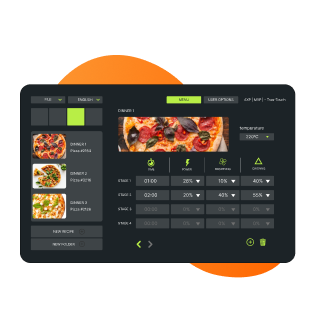
Microwave Configuration
The desktop application serves as a tool for generating configuration files tailored to specific microwave oven models. Users can easily customize cooking settings such as time, temperature, and power levels within the application before uploading the finalized configuration file to the oven's memory. This seamless process ensures that the microwave oven operates according to the user's preferences and cooking requirements.
Learn More
Visual Programming IDE
The application represents the creator for visual programming supporting states of varying complexity, events, event handlers and building different connections between them. That provides the ability of designing of software architecture and managing of program elements graphically rather than by specifying them textually.
Learn More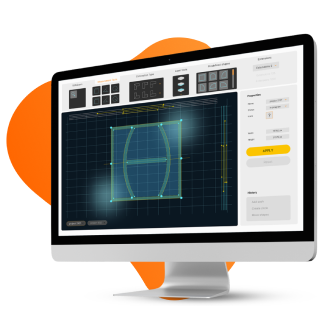
Window Design Creator
The end product is a Client-Server solution for the computer-aided design of doors / windows / blinds. The app provides the user with a possibility to create an order locally and send it to the server for production. An offline mode gives an opportunity to work locally without connection with the server.
Learn MoreIndustries

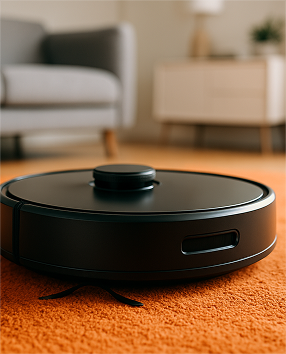
Smart Home
Desktop Dashboards | Device Configuration & Firmware Tools | HVAC System Control Panels | Multi-Tenant Management Tools

Healthcare
Electronic Health Record (EHR/EMR) Systems | Medical 2D/3D Imaging and DICOM Viewer Tools | Medical Device Control & Calibration Software | Appointment and Resource Scheduling Software
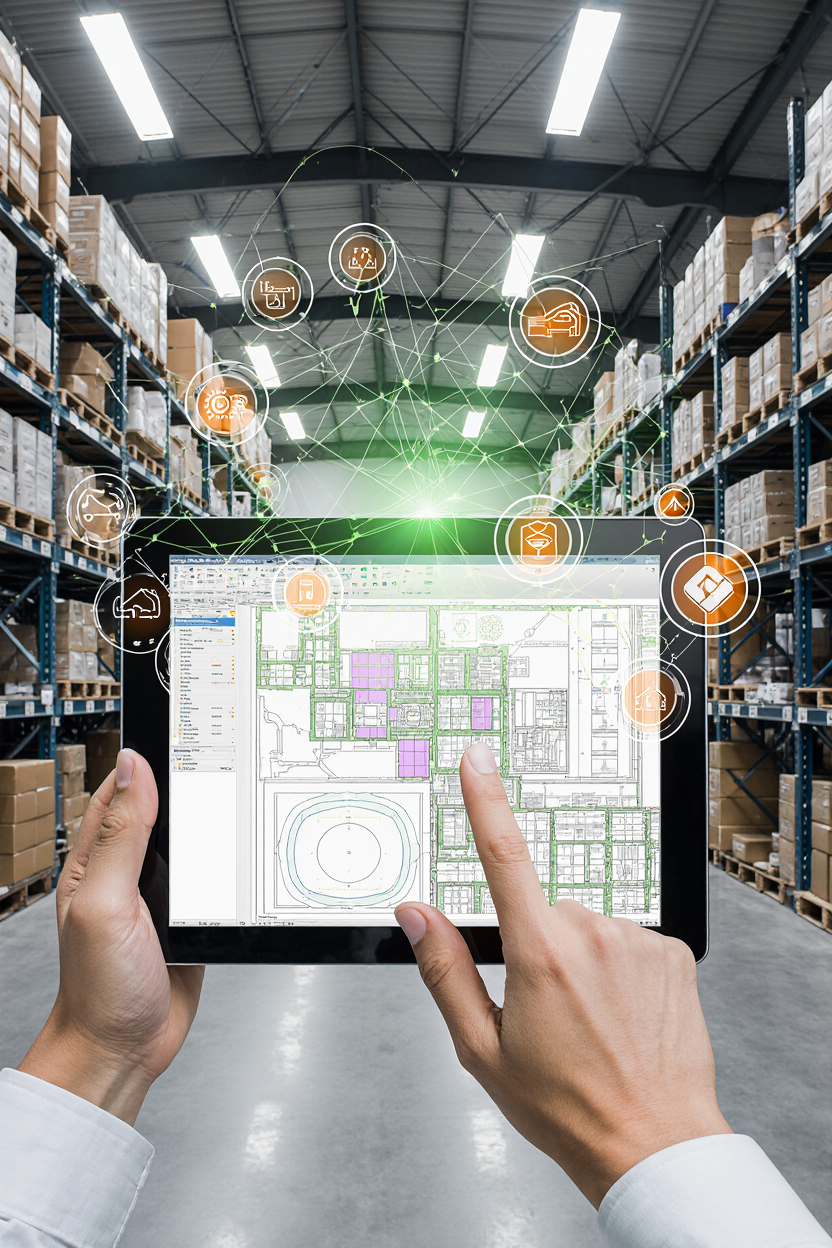
Custom CAD Solutions
2D/3D Modeling Software | Architectural CAD Software | Building Information Modeling Tools | Simulation Tools | Visual Programming Tools | Markup Tools
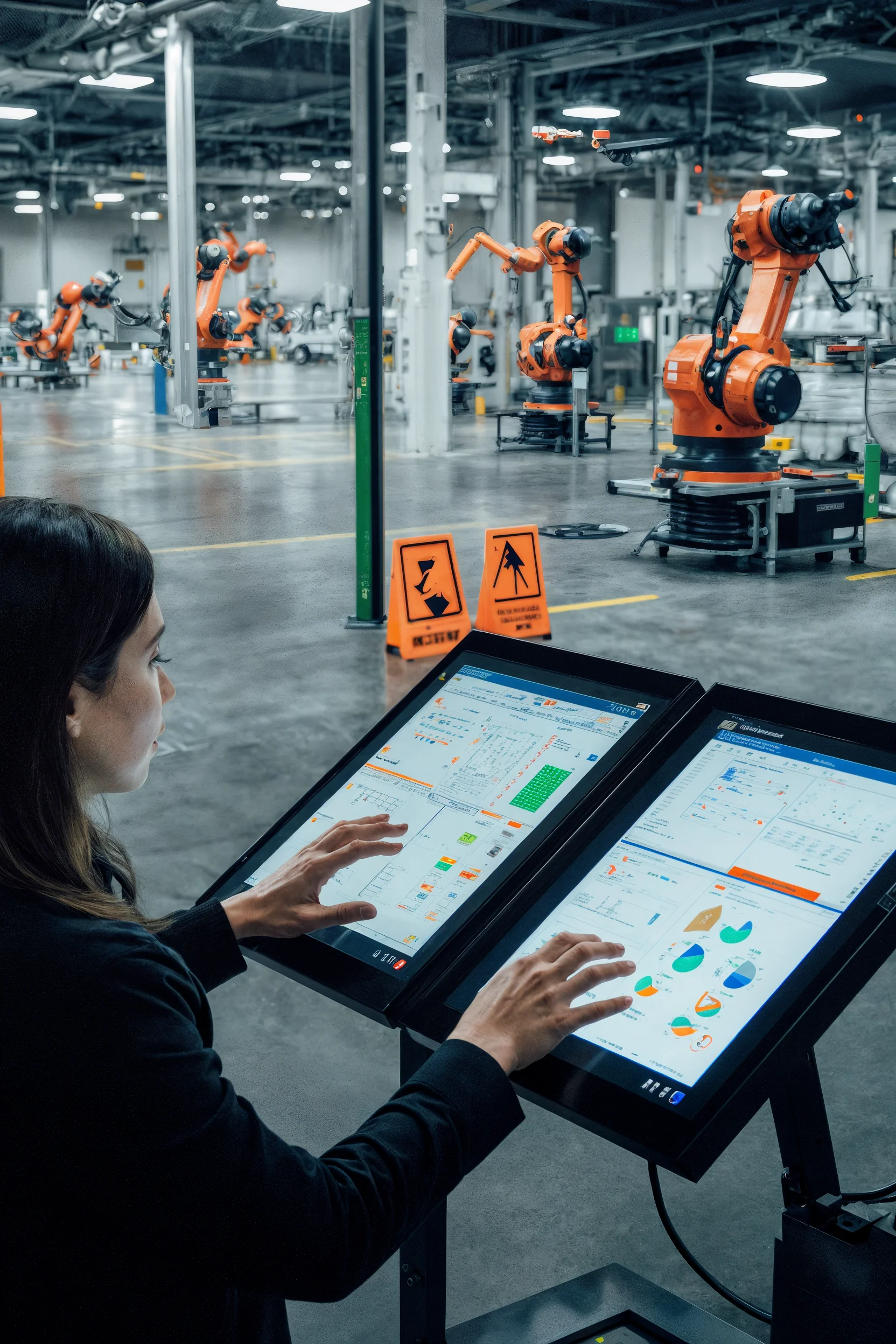
Manufacturing
Manufacturing Execution Systems | Enterprise Resource Planning (ERP) Desktop Clients | HMI Systems | Warehouse Management Systems | Asset Maintenance Software
Consumer Good
Companion Apps | Product Configuration Tools | Firmware Flashing & Update Utilities | Factory Testing & Diagnostics Tools
Fitness
Coaching Desktops | Gym & Studio Management Software | Smart Fitness Equipment Configurators | Kiosk Software | Gamified Fitness Companion Apps
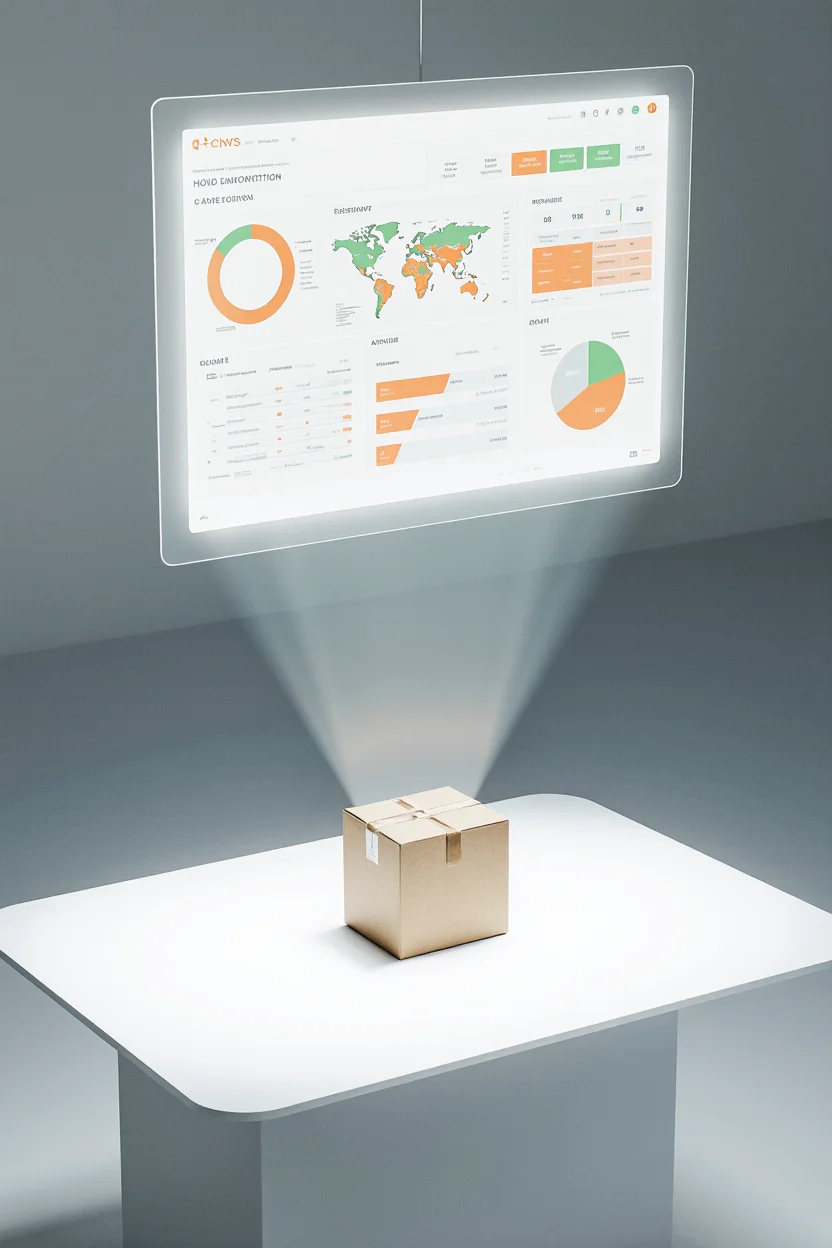
Logistics & Supply Chain
Warehouse Management System (WMS) | Transportation Management System | Inventory Management Software | Labeling, Barcoding & Printing Tools | Telematics Desktop Apps



We Have Expertise in the Next Fields:
IMAGE PROCESSING
Implementation of graphic filters, effects, algorithm development, geometric transformations
CAMERA MANAGEMENT
Collect video stream and photo capturing by using IP and USB cameras: work with ONVIF and PSIA standards
MULTIMEDIA APPS
Text, audio, video, animation computing, innovative ideas
LOW-LEVEL APPLICATIONS
File system encryption, real-time backups, custom network protocols, system reboot
TOUCH / GESTURE BASED APPS
Touch access to kiosk devices, tablet devices on Windows: tap, panning, rotate, swipe, zoom, pinch and flicks
SECURE SOLUTIONS
Multilayer insurance of developed applications using ssh approaches and OS tweaks
Our Tech Stack
LANGUAGES
OS


FRAMEWORKS AND TOOLKITS
IDE
Database Management Systems
Data Communication Protocols
Hardware Integration


Custom Desktop Development Lifecycle


- Analysis of provided business requirements (SRS document, UML diagrams, etc.)
- Research of current systems
- Analysis of the intended usage environment: production lines, laboratories, offices, automotive, field conditions, etc.
- Stakeholder workshop
- Determination of the need for hardware interaction (via COM, USB, BLE, Wi-Fi, CAN)
- Risk assessment
- High-level estimation of the development time for each stage

- Decision between native or cross-platform development approach
- Selection of tech stack: Qt, .NET, Flutter, Electron
- Choosing optimal technologies for future app integration and scalability

- Prototyping, wireframes, interactive mockups
- UI design optimized for keyboard and mouse interaction (non-touch environments)
- Design of complex UI components: tables, charts, SCADA-like panels, visual programming interfaces
- Validation & alert UI design (if the software application controls hardware)

- Architecture planning:
- Modular UI structure
- Plugin-based model for hardware integration
- Interfaces for firmware/embedded systems
- Backward compatibility planning (legacy systems, drivers)
- Support for scalable desktop apps and custom software

- Protocol alignment: USB HID, RS232/485, BLE, Wi-Fi, CAN
- Command/query format alignment
- Identification of required drivers or middleware
- Joint development of a hardware emulator or stub services for developers

- CI/CD pipeline for building desktop applications (GitHub Actions, Jenkins, GitLab)
- Cross-platform development build systems: CMake, MSBuild, pyInstaller, pkgbuild
- Update planning: Sparkle (macOS), Squirrel (Windows), Snap/Flatpak (Linux)

- Core Logic
- Implementation of main functionality (UI, data processing logic)
- Localization and internationalization (if required)
- Hardware Communication
- Implementation of device communication layers (Serial, USB, BLE, CAN)
- Error/interruption/failure handling
- Data Handling & Storage
- Local data structures: SQLite, JSON, custom binary formats
- Import/export: Excel, CSV, PDF, proprietary formats
- Third-party API Integration
- App integration with external APIs and SDKs
- Secure handling of authentication and data exchange with third-party services

- Writing unit tests
- Automated UI testing (Squish, AutoIt, WinAppDriver)
- Integration testing with hardware
- Load/stress testing (especially for real-time systems)
- QA/QC documentation

- User manual
- Installation and upgrade guides
- Dev and API documentation (Software Design Document)

- Preparation of certification-compliant documentation
- Validation of hardware interaction according to EMC, safety, and other standards

- Building installers (MSI, EXE, DMG, AppImage, Flatpak, etc.)
- OTA updates (via private servers or services like Sparkle, Squirrel)

- Bug fixing
- Support for new OS versions
- Backward compatibility maintenance
- Hardware protocol updates (in case of firmware changes)
- Ongoing development and maintenance of released desktop solutions
Frequently Asked Questions
The development time depends on the complexity and scope of the software application:
- MVP (Minimal Viable Product): 1-2 months
- Full-Featured Application: 3-5 months
- Enterprise Software: 6+ months
Our agile development process ensures transparency and efficiency at every stage of the app development process, from planning to release.
We specialize in cross-platform development, and we build desktop applications for:
- Windows (Windows 10, 11, and legacy versions)
- macOS (Intel & Apple Silicon)
- Linux (Ubuntu, Debian, Fedora, etc.)
Yes, we offer custom software solutions with AI-powered features, including:
- Computer Vision for image recognition
- Predictive Analytics for business intelligence
- Speech & Text Processing for automation
- Chatbots & Virtual Assistants
Yes, we build secure desktop apps that support blockchain features such as:
- Secure transactions
- Decentralized storage
- Smart contract execution
Yes, we provide ongoing development and maintenance services to ensure your desktop application stays up to date, secure, and scalable. This includes feature updates, bug fixes, OS compatibility testing, and performance improvements.
Our desktop application development workflow includes the following development stages:
- Requirements gathering
- Technology selection
- UI/UX design
- System architecture
- Hardware integration (if needed)
- DevOps / Build Automation
- Desktop Application Development
- Testing & QA
- Documentation
- Compliance & Certification
- Installer packaging
- Maintenance and support
Learn more in our Custom Desktop Development Lifecycle section.


Would you like to collaborate with us?
Have an idea or project? Fill out the form below, and we'll get back to you as soon as possible.